

There are days when you stare at a chat box, and words just… don’t feel enough, y’know? Like you wanna say something, but silence kinda says it better.
That’s where the idea of an invisible character sneaks in, almost like a quiet trick hiding inside plain sight. It feels odd at first, almost like digital magic that nobody really talks about openly, but still everybody kinda uses in small ways.
The first time I stumbled into an Invisible Character Tool, it didn’t even look like anything special, just a blank space staring back at me like it forgot to exist.
But weirdly enough, that “nothing” had meaning. People use it in Social Media Platforms, chat apps, and even Web Development Environments where spacing becomes a language of its own. It’s strange, but also kinda beautiful in a glitchy way.
Sometimes I think communication is not always about adding more words, but removing noise. And this is where invisible characters feel like a soft pause in a loud world, a breath you can’t see but still feel.
| Tool | Purpose | Key Use | Notes |
|---|---|---|---|
| Invisible Character Tool | Generate invisible/blank characters | Blank usernames, hidden text, spacing tricks | Works using Unicode whitespace |
| QuillBot Empty Character Tool | Copy invisible text instantly | Social media, chat apps, bios | One-click copy UX |
| Invisible Unicode Character Generator | Create Unicode invisible characters | Gaming names, form testing | Supports multiple Unicode spaces |
| Clipboard Copy Tool | Copy invisible output to clipboard | Paste anywhere instantly | Depends on device clipboard |
| Text Formatting Tool | Adjust spacing & layout | Typography, UI formatting | Useful for design control |
What is an Invisible Character Tool and Why It Even Exists

At its core, an Invisible Character Tool is a simple but powerful utility that generates non-visible text using standardized encoding rules like the Unicode Standard. These are characters that exist digitally but don’t show up visually, like ghosts in the keyboard world.
Tools like QuillBot Empty Character Tool, Invisible Unicode Character Generator, and Clipboard Copy Tool make it easy to grab these invisible symbols and paste them anywhere.
And honestly, it’s kinda wild when you realize these blanks are still real characters defined under systems like:
- U+0020 (Space character)
- U+00A0 (No-Break Space)
- U+2000 (En Quad)
- U+2001 (Em Quad)
These aren’t “nothing,” they’re structured emptiness, if that even makes sense lol.
People use tools like Text Formatting Tool to create spacing effects that feel aesthetic or functional depending on context. It’s like digital typography but invisible-ish.
How Invisible Characters Actually Work (Behind the Blank Curtain)
When you click a “copy invisible text” button on an Invisible Character Tool, something very simple but deep happens. The tool inserts a Unicode whitespace character into your clipboard, and your device treats it like any other symbol.
The funny part is, even though it looks empty, systems still process it. That’s why copy-paste functionality becomes super important in this whole thing. The clipboard doesn’t care if something is visible or not it just stores code.
Here’s how the flow kinda goes, in real life messy steps:
- You click a click to copy text button (yeah, very basic UX thing)
- The tool generates an invisible Unicode value
- Clipboard stores it using system memory
- You paste it into Social Media Platforms or chat apps
- It appears blank but still counts as a character
This is where Unicode spacing characters and typographic spacing systems come alive in subtle ways. Even Web Development Environments use similar logic when handling inputs.
Some systems like Google Cloud process such inputs in backend logs, while analytics tools like Amplitude might still detect interactions even if the text is invisible. It’s kinda funny how “nothing” still becomes data.
And yeah, sometimes it behaves weirdly across platforms, like one app shows blank, another shows a weird space, and you’re just there like… ok what happened lol.
Invisible Character Tool in Social Media, Gaming & Messaging Chaos
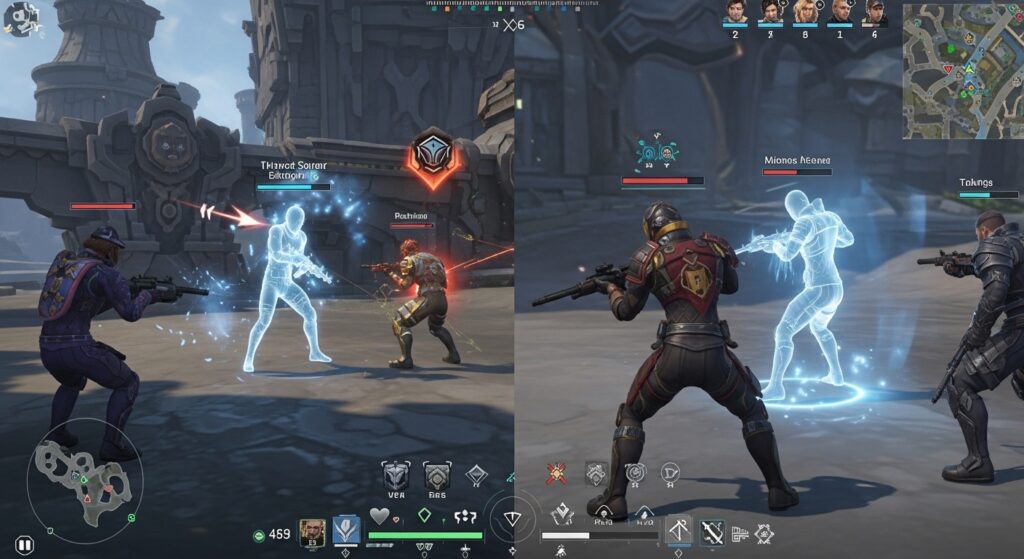
Now this is where things get really interesting, because people don’t just use invisible characters for fun they use them for identity, privacy, and sometimes pure aesthetic rebellion.
Here are some real-world-ish use cases people go crazy for:
- Creating blank usernames in online Games
- Making minimalist profile names on Social Media Platforms
- Sending hidden chat messages that look like empty bubbles
- Designing aesthetic bios with invisible spacing gaps
- Testing form validation in Web Development Environments
- Creating clean layouts in messaging apps
- Playing with spacing in comment sections for visual effect
- Making “invisible replies” that still trigger notifications
- Using blank text for UI spacing tricks in digital designs
This is where invisible / blank character generation becomes more than a trick it becomes a style. People even search things like hidden text copy paste or blank username generator just to achieve that empty aesthetic look.
There’s even a weird cultural layer to it. A friend once told me, “it feels like my profile is breathing when it’s blank,” which honestly sounded poetic and slightly unhinged at the same time lol.
Platforms like Hootsuite sometimes deal with scheduling posts where spacing matters a lot for formatting. Meanwhile messaging ecosystems connected with Customer.io rely on clean formatting systems that respect spacing logic.
And yeah, even payment systems like PayPal or billing platforms like Chargebee deal with invisible characters in form validation in ways users never notice.
Unicode, Spacing Systems, and Why “Nothing” Has Structure
If you zoom in deeper, invisible characters are basically tiny citizens of the Unicode Standard ecosystem. They exist alongside visible letters, numbers, emojis, and symbols, but just choose not to show their face.
Typography nerds love talking about:
- Unicode space characters
- en quad space
- em quad space
- no-break space unicode
- text formatting spaces
These spacing units define how text breathes across screens. Even when users think they are typing “nothing,” they might actually be inserting structured spacing data.
Tools like Invisible Character Tool and QuillBot Empty Character Tool help convert these abstract codes into something usable with a simple click.
And yeah, there’s something almost philosophical about it. Like how can absence be encoded? But it is, and it works everywhere from messaging apps to document formatting systems.
A designer once said in a forum (I kinda remember this vaguely), “space is not empty, it’s just silent data,” and honestly that stuck weirdly in my head for days.
Minimalism, Identity, and Invisible Usernames Culture

Now let’s talk about the aesthetic side, because this is where invisible characters turn into identity tools.
People use blank space generator tricks to create usernames that look like they don’t exist. It’s kind of a flex in online spaces, especially in gaming communities.
Here are some ways it gets used:
- Creating “invisible gamer tags” that confuse opponents
- Building minimalist profiles that feel ultra-clean
- Designing aesthetic usernames with hidden structure
- Making social media bios with intentional empty breaks
- Creating symbolic silence in digital identity spaces
- Testing platform limits for character input handling
- Producing unique spacing-based names that stand out
- Using invisible text for artistic expression in comments
This whole thing becomes a mix of filter bypass thinking (not always good intentioned, just experimental), creative identity, and UI manipulation. But most users just want aesthetic simplicity, not anything harmful.
Even clipboard interaction becomes part of the identity loop you copy, paste, test, erase, repeat, kinda like digital sketching.
Productivity, UX Tricks, and Web Development Use Cases
In more practical environments, invisible characters are not just fun they are useful. Developers and designers use them in Web Development Environments for layout testing, spacing validation, and input field behavior checks.
Some real productivity angles include:
- Testing form validation in web apps
- Debugging spacing issues in UI layouts
- Creating placeholders in document formatting systems
- Simulating user input in empty fields
- Adjusting text alignment in design tools
- Improving spacing control in typography systems
- Handling cross-platform text compatibility issues
- Enhancing UX testing with invisible inputs
Tools like Text Formatting Tool help refine layouts without manually inserting weird spaces everywhere.
Even analytics systems like Trustpilot or Amplitude indirectly observe how users interact with these invisible inputs in UX flows, which is kinda fascinating if you think about it.
It’s not always glamorous work, but it makes digital systems smoother, even if nobody notices it directly.
Invisible Characters: Power, Limits, and Responsible Use
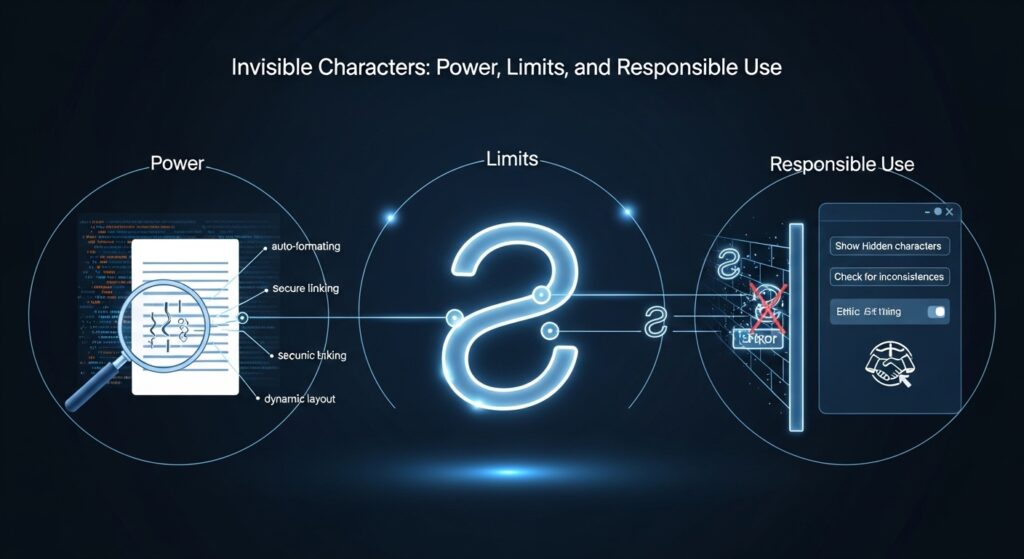
Now, not everything about invisible text is pure fun. Like any tool, it can be misused. Some people try using invisible characters to confuse input systems or bypass filters in chat applications. That’s where things can go a bit messy.
But most modern platforms now handle this better, using validation rules and encoding checks. Still, it’s a reminder that even “nothing” can have impact if used carelessly.
The key idea is balance using invisible characters for creativity, design, and formatting, not for breaking systems or causing confusion where it’s not needed.
And honestly, most people just want aesthetic usernames or clean spacing, nothing more complicated than that.
Frequently Asked questions
nvisible character
An invisible character is a Unicode-based space or blank symbol that appears empty but still exists in digital text. It is often used for formatting, usernames, or bypassing text restrictions.
empty character copy paste
Empty character copy paste refers to copying a special invisible Unicode character that can be pasted into input fields. It helps create blank spaces where normal typing is not allowed.
blank text
Blank text is content that looks completely empty but may contain invisible Unicode characters. It is commonly used for aesthetic design, forms, and username customization.
invisible space
An invisible space is a non-visible character that functions like a normal space in text. It is used in formatting, typography control, and bypassing space filters.
blank name
A blank name is a username or display name that appears empty due to invisible characters. It is often used in games and social media to create a minimalist or hidden identity.
Conclusion: When Empty Space Feels Full of Meaning
At the end of it all, the Invisible Character Tool is kinda like a reminder that digital communication is not just about visible words. Sometimes silence, spacing, and absence carry just as much weight as text itself.
From copy-paste functionality to clipboard interaction, from gaming usernames to Web Development Environments, invisible characters quietly shape how we experience the internet without asking for attention.
And maybe that’s the most interesting part it doesn’t shout, it doesn’t demand, it just exists quietly in the background, doing its job like a hidden engine.
If you ever play with a blank username or paste an empty message and smile for no reason, yeah, that’s the invisible character doing its small magic again.
If you’ve ever used these tools in a creative way or seen someone do something weirdly cool with blank text, share it somewhere because honestly, these tiny invisible things make digital life a bit more playful than it looks at first glance.